
Because sometimes a photo could use a little something extra…..

……I’ve saved some of my recent “doodles” as .PSD files that you can use in Photoshop or Photoshop Elements.

All you have to do is download the file, open, copy and paste the overlay onto your photo.
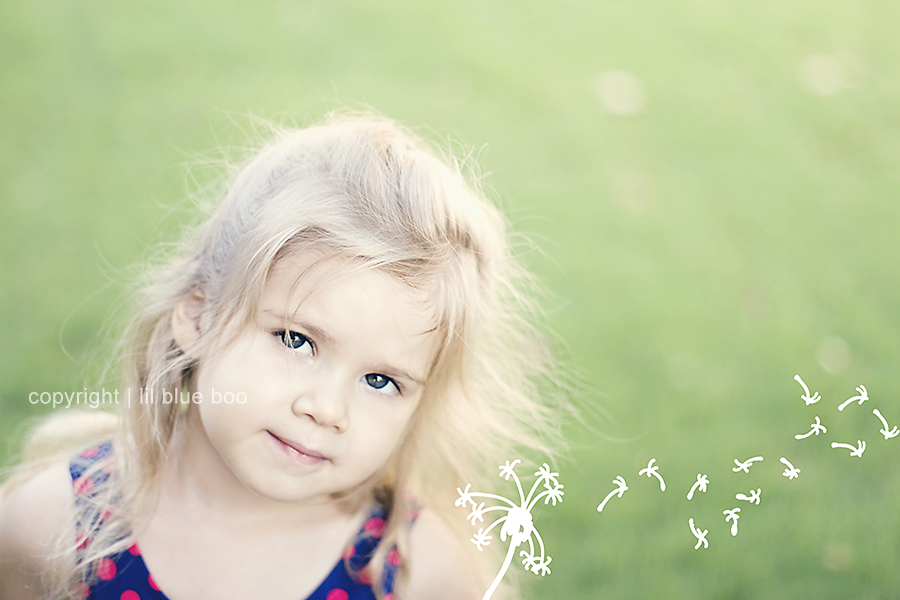
I’ve been so inspired by Katrina over at Pugly Pixel and I’m slowly learning how to incorporate more of my artwork, journals and doodling into my digital Lil Blue Boo world. I’m excited to see where this new interest will take me.

Click below to download my full summertime doodle set. I’ve saved each graphic as a separate white and black version but if you have Photoshop skills you can easily change the color by clicking “colorize” and adjust the hue and saturation. Play with the opacity too…..just a hint of a graphic across a photo can be a great addition!
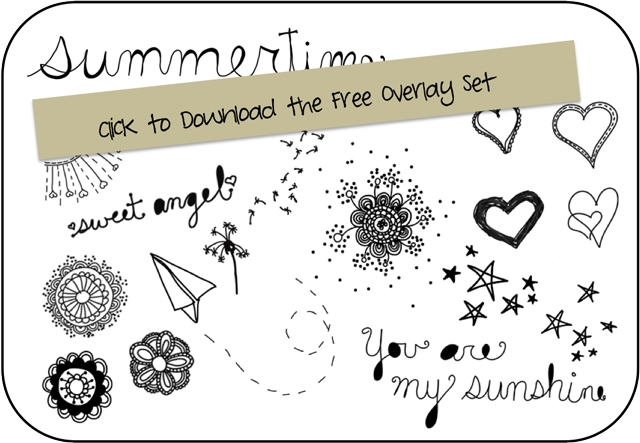
Feel free to use the graphics for whatever you like….just please don’t use them for any type of digital download, free or otherwise. Thank you!
Stay tuned!

Those are too cute! You are so incredibly talented!!
http://runwithglitter.blogspot.com/
these are perfect! I have always wanted to figure out how to do this! Man you’ve become a photoshop whiz! Now I just need to find some time to download and figure out……
I digi scrap all the time. I can’t wait to use these on some of my layouts. They are fantastic! Hope you make more!
Do you have any idea if these can be used with GIMP?? I don’t have Photoshop since GIMP’s free and is just as awesome (At least for my purposes).
Not sure Harmony….you could always try it though!
oh my goodness! i am a huge pugly pixel fan!! she is so inpiring {just like you!}
these are great! one question though, how do you remove the big black frame from around each graphic so that you are just left with the overlay? I have PSE9 and still learning…thanks
I’m not sure about PSE9. I might have to save another version of them into a vector PDF. Let me research it!
Can you just select around the graphic, so not to include the outline? Then copy and paste it onto your image?
no i tried that as well, so not sure.
Wow! Thank you for sharing!
Thanks so much. Love them!!! 🙂
It keeps cutting off the last letters of summertime when I try to paste. Any idea how to fix that?
Did you try and resize it Amanda?
yes, still last letters are cut off…hmmm
Thank you! I can’t wait to use them.
You are so sweet to share with us!…and BTW a little late to the party but congrats on your wonderful news!!!
Very cute! I can’t wait to give it a try!!! Love the photos!!!
Do you ever make digital scrapbooks?
I’ve started making “Year in Review” scrapbooks… and if you make them too, I’d love to see yours. You’re so creative and make such cute things!
So sweet, thanks!
Okay totally loving these.! Just started messing with some photos and they look awesome. Thanks Ashley!
Now I want to learn to make my own doodles on PS. Any tips?
Thank you so much for sharing this, they look beautiful!
thank you!!!!
thank you!
Thanks so very much!
I have a “blog-question”: How do you insert pdf’s for free downloads?!
🙂
I always like them and would like to do that on my blog sometime, too!…
Thank you very much